Fan Control
An AUTD3 device has a fan with three modes: Auto / Off / On.
- Auto: A temperature-monitoring IC monitors the temperature and automatically starts the fan when it exceeds a certain temperature.
- Off: The fan is always off.
- On: The fan is always on.
The mode is switched with the jumper switch next to the fan. It is a little hard to tell, but as shown in the figure below, shorting the fan side gives Auto, the middle gives Off, and the right side gives On.
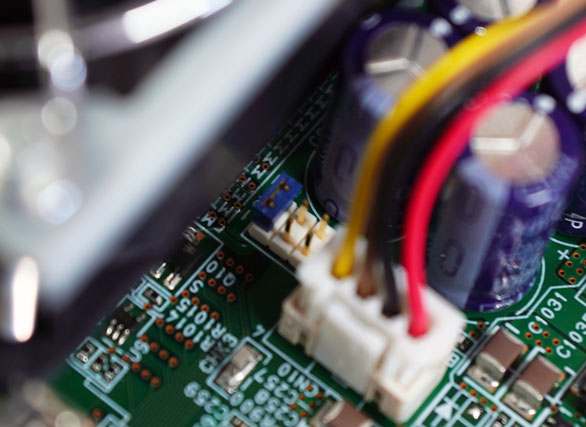
In Auto mode, the fan can be forcibly started by sending ForceFan.